

CMS UI refresh
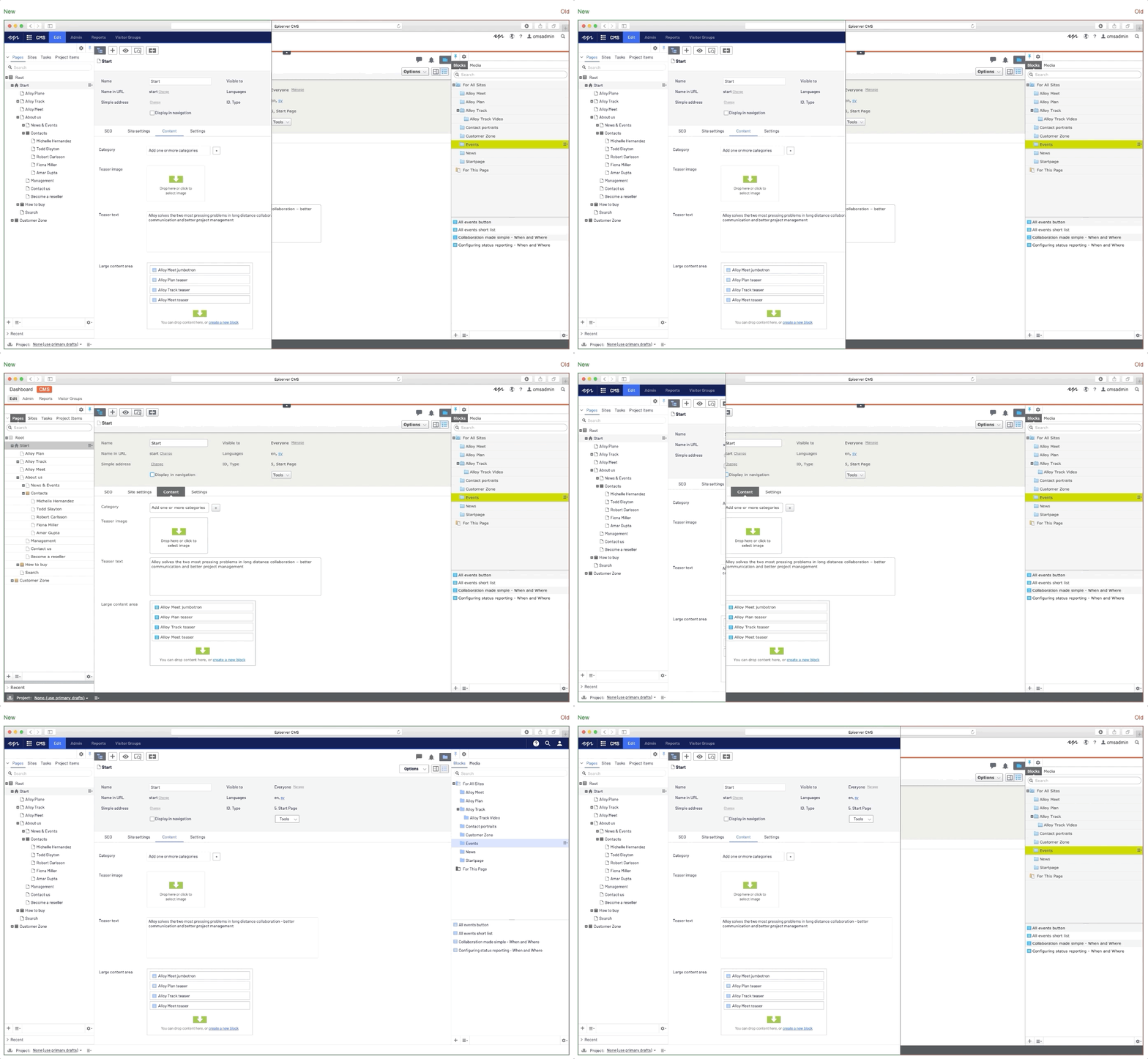
Probably one of the first things that you will notice in refreshed CMS UI is the navigation menu. During our research time, we compared a few different navigation patterns across Episerver products and other common patterns. We decided on a harmonized version that uses patterns that should work for all. When we finalized navigation rules and wireframe sketches it was time to zoom into details and focus on style and colors.
Our color palette is based on Episerver's brand story, and we are using formulas to come up with different shades for our colors. Collaboration with our marketing designers brought a lot of inspiration and we were able to find a creative way to blend our brand colors into the UI elements. There are two opposites to balance between colors that should grab your attention (marketing) and colors that you'll stare at a whole day (product). After colors, we were focused on finding a new typography font, with the goal to use it through the whole UI.
At this point, we had enough to build the new menu. After replacing the old CMS UI menu with the new one we had something that looked promising, but the rest of the CMS UI needed a bit of "flattening". Removing all gradients from UI elements, and replacing them with solid colors made an immediate difference. We also decided that we should not use borders as separators in the content trees, tables, and some menus. Border radii were also tweaked. Last but not least, we decided to redesign some of the icons in order to make UI more modern.
We hope that you like what you see.

Comments