
Simple color picker property
Lets say you wanted a simple block to show a title, just to let your editors break up a long content area with some contextual spacing. Simple stuff. However, you want to let the editor decide the background color, and that means the editor need to be able to change the text color too, or you might end up with black text on a black background. A couple of text fields will handle that.
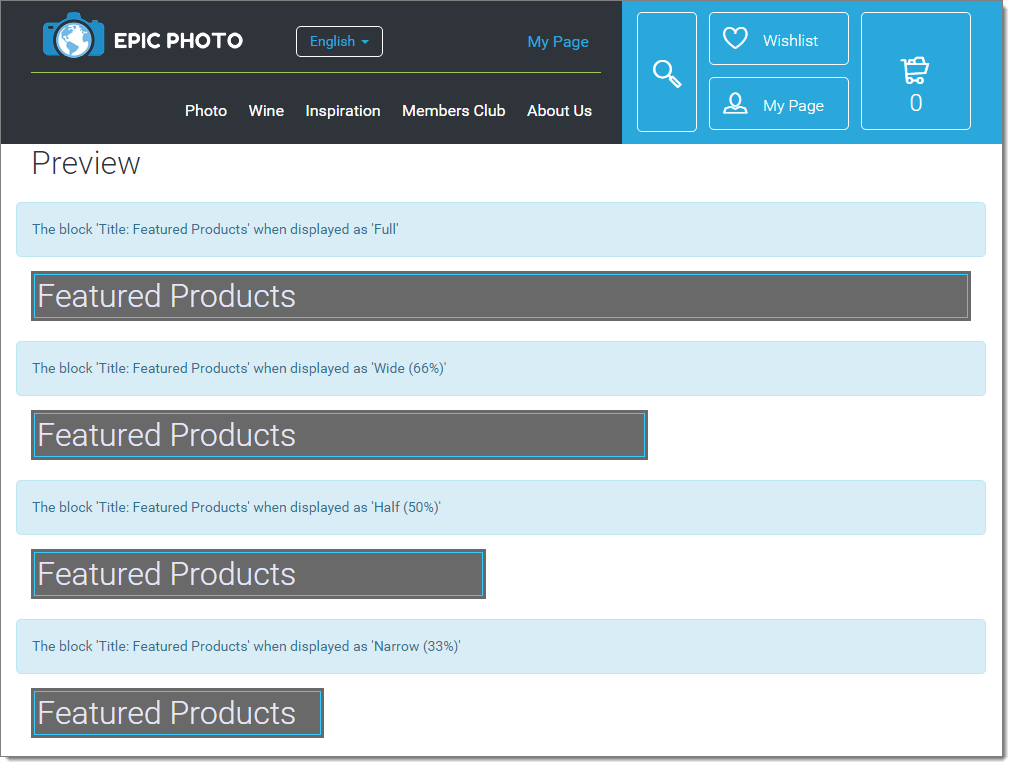
Looking good:
And the editorial experience?
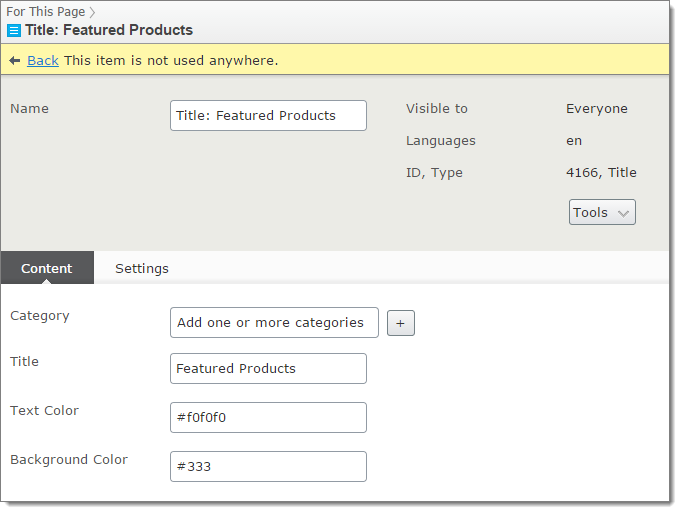
Come on - knowing CSS color codes by hand is not that hard, is it? What if it could look like this:
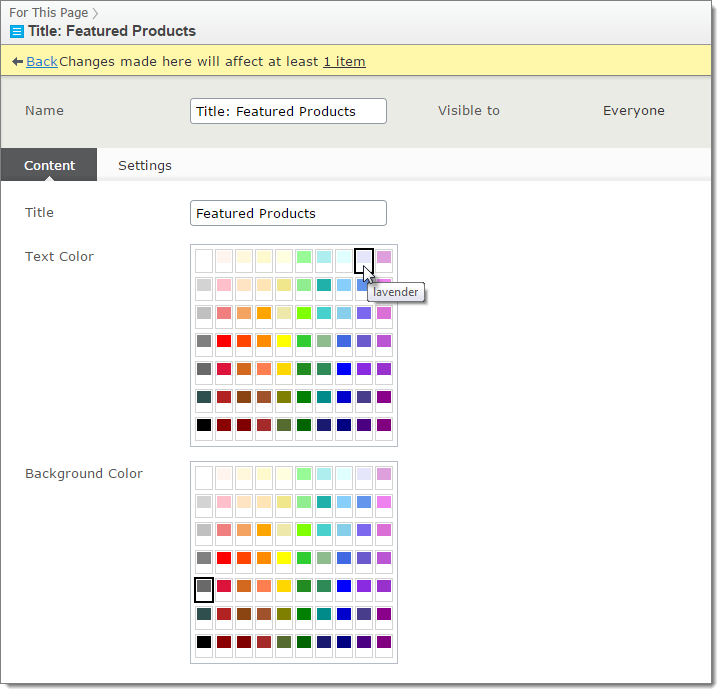
With the power of Dojo, this is amazingly simple:
[ContentType(
        DisplayName = "Title",
        Description = "Title with styling options",
        GroupName="Content")]
[SiteImageUrl(thumbnail: EditorThumbnail.Content)]
public class TitleBlock : SiteBlockData
{
    [Display(
      GroupName = SystemTabNames.Content,
      Order = 10)]
    [CultureSpecific]
    public virtual string Title{ get; set; }

    [Display(
        GroupName = SystemTabNames.Content,
        Name = "Text Color",
        Order = 50)]
    [ClientEditor(ClientEditingClass = "dijit/ColorPalette")]
    public virtual string TextColor { get; set; }

    [Display(
        GroupName = SystemTabNames.Content,
        Name = "Background Color",
        Order = 60)]
    [ClientEditor(ClientEditingClass = "dijit/ColorPalette")]
    public virtual string TextBackgroundColor { get; set; }
}
The magic is to specify the client editing class as "dijit/ColorPalette". That's it. This particular widget is a built-in one, and we can use it without having to do anything else.
For good measure, I hid a couple of more advanced properties on the Settings tab:
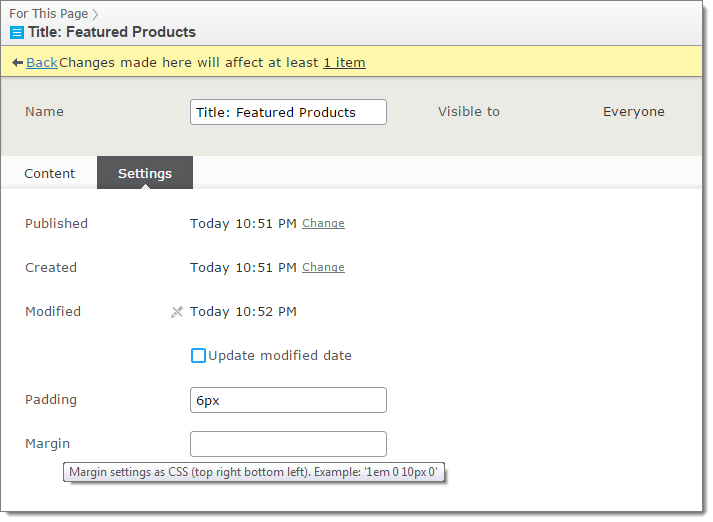
At least I'm giving some advice by using the description for the property.
Disclaimer! I haven't found a way to limit or specify what colors the palette should show, and depending on your design, this is like giving editors access to Comic Sans. Use responsively.

Comments