


Automatically create pages for ContentReference properties
If you like me have tried to take an existing solution but wanted to start from scratch, maybe for a demo and you just gave up due to the amount of required properties on for example a settings page? Most of them are probably strings and ints that should be pretty easy to fix (or really should have had good defaults). But what about those pesky properties of type ContentReference which excpects a page of a certain type? And I bet those new pages have more pesky required properties as well! Gaah my blood pressure!
So to come closer to my (pipe?) dream of super easy site site setup even from scratch and using a "mature" solution that has developed over some years I decided to go with an attribute and initmodule approach.
Ok so the attribute is very simple it just takes one parameter with the type we want to get automatically created. So in my example here I have three page types: A startpage that needs a reference to a settingspage which have two references to a searchpage and a newsarchivepage.
So my page type looks like this (RequiredDependec is my custom attribute)
         [RequiredDependency(typeof(Settings))]
         [AllowedTypes(typeof(Settings))]
        public virtual ContentReference SettingsPage {get; set;}
The settingspage looks like this:
[RequiredDependency(typeof(NewsArchive))] public virtual ContentReference NewsArchive { get; set; }
[RequiredDependency(typeof(ContactCards))] public virtual ContentReference ContactCards { get; set; }
To fix the automagic creating and setting or properties I did a initmodule that on the onpublish event scans the underlying type with reflection for properties decorated with the new attribute, creates a new page of that type and sets the property to that reference. The created pages are not automatically published since I name them "Automatically created - <pagetypename>" so I guess atleast the name should be changed before they are published. The new pages are created below the ContentReference.StartPage so the startpage need to be created and a site and start page needs to be configured in admin mode.
Ok so what does it look like:
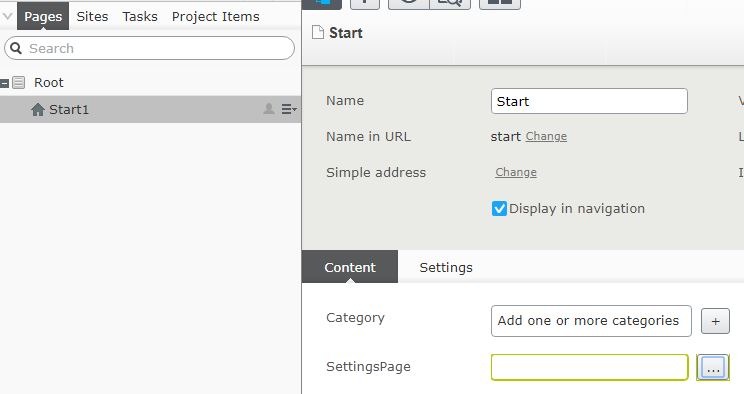
Here we have a unpublished startpage
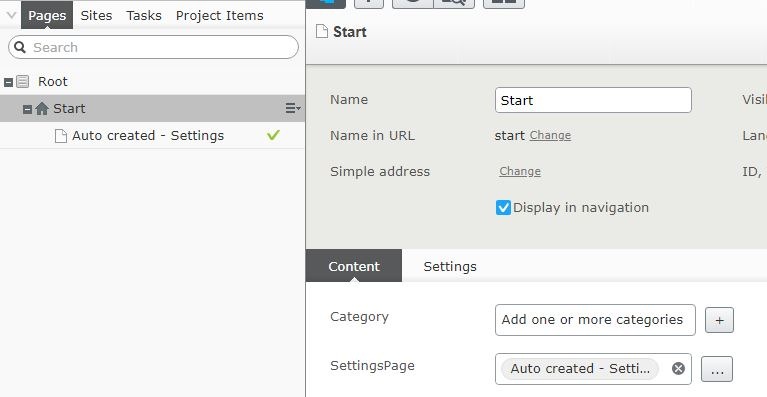
Here we have the automatically created settingspage
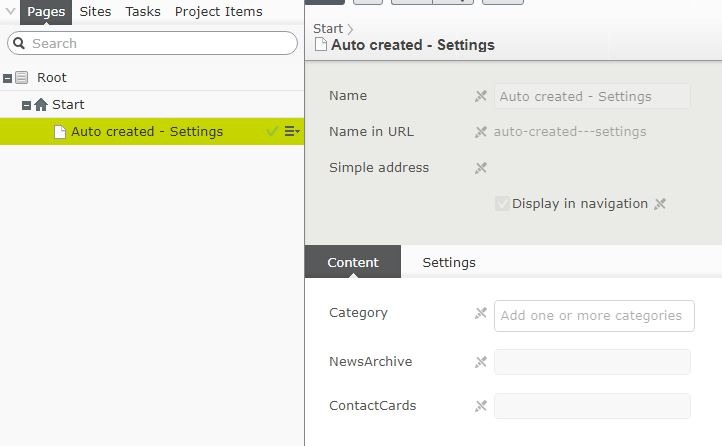
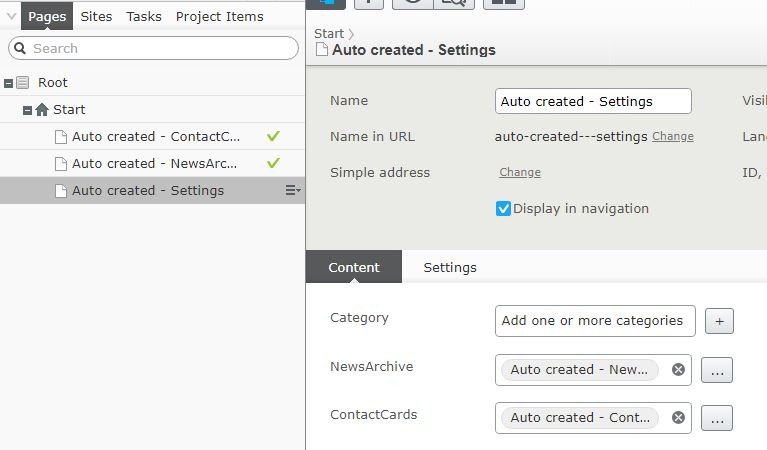
After publishing the settingspage we have a newsarchive and searchpage created
The code is what it is and you use it at your own risk but you can find a complete project over at my Pnergard GitHub.

Comments