
EPiServer Connect for SharePoint 2010
I just wanted to tell you that EPiServer Connect for SharePoint now supports SharePoint 2010.
Download link:
http://world.episerver.com/Download/Categories/Connect-For/EPiServer-Connect-for-SharePoint/
About EPiServer Connect for SharePoint
For those of you who are not familiar with the product, here is a few benefits and features described.
Push-to-CMS
- Easily allow SharePoint users to publish content to pre-configured EPiServer CMS channels
- Push both library items as well as list items (News, Calendar items etc)
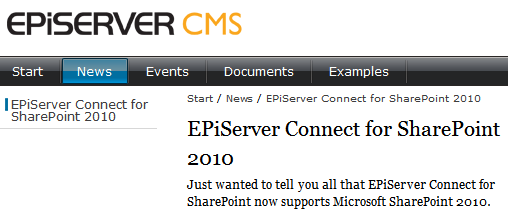
Image 1: Showing a news item created inside SharePoint 2010 on a standard news item template in EPiServer CMS 6.
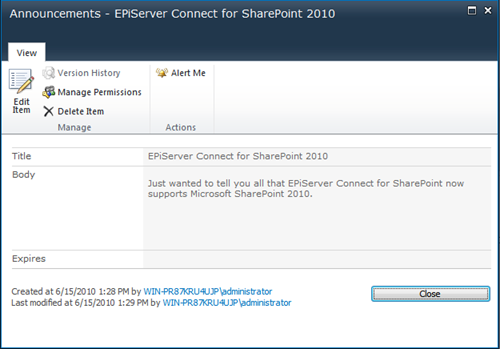
Image 2: An announcement in SharePoint 2010 being published to EPiServer CMS.
VPP File Integration
- Manage files (create, read, update and delete) from within EPiServer CMS which are stored in SharePoint
- Make SharePoint files and documents instantly available to the web site once they are stored in SharePoint
- Work with versioning of library items including check-in/check-out features
- Integrated security allows authenticated users to only consume documents they have permissions to
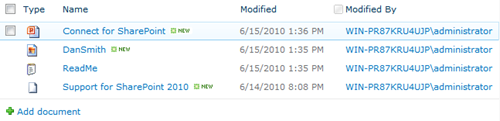
Image 3: A couple of documents in the “Shared documents” folder in an SharePoint 2010 site being bi-directionally linked to the EPiServer CMS file system.
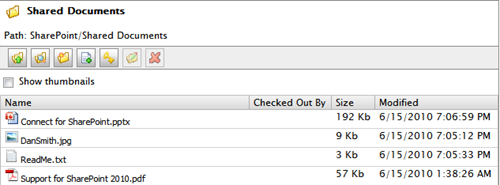
Image 4: Displaying the “Shared Documents” folder inside the EPiServer CMS File Manager.
Web Parts for SharePoint
- Display EPiServer CMS content lists and details with the ease of adding Web Parts to your SharePoint site
- Get a kick start in integrating EPiServer CMS with SharePoint
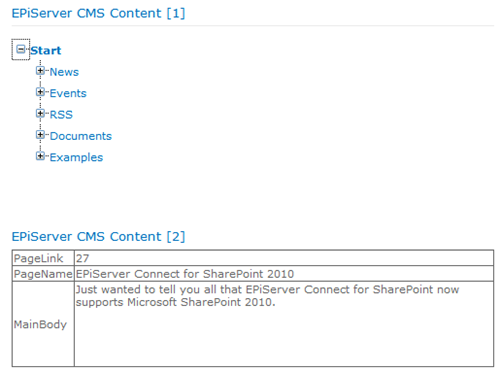
Image 5: Web Parts for SharePoint rendering basic content from EPiServer CMS.

Comments