

EPiServer CMS and Existing ASP.NET/ASP Applications
Based on CMS 5 R2 SP2 and IIS 7.5
Many customer moving to EPiServer CMS for their content management may have existing ASP.NET or ASP applications that they don’t want to manage through EPiServer. However, these applications contain critical business functionality that is necessary to utilize, and naturally they’d like to access this functionality using the same domain as the pages based on EPiServer. The question is, is it possible to make these applications subdirectories of the domain root without EPiServer interfering? The simple answer, YES!
The steps I followed aren’t too exciting so if the answer above leaves you feeling content stop reading now. If you’re curious as to my process, by all means, read on…
___________________________________________________________
I started by creating two very basic web apps, both with a login page. One in ASP.NET and one in classic ASP. I didn’t do anything special here so I’ll avoid putting these details here to reduce the odds of you falling asleep too quickly.
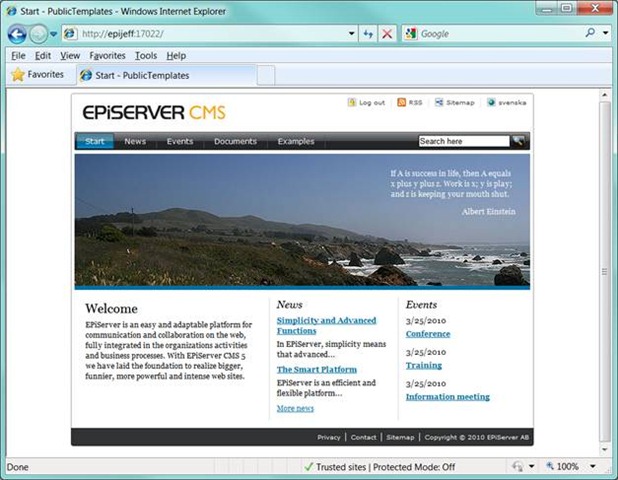
Next I created a very basic EPiServer site. Fancy, right?
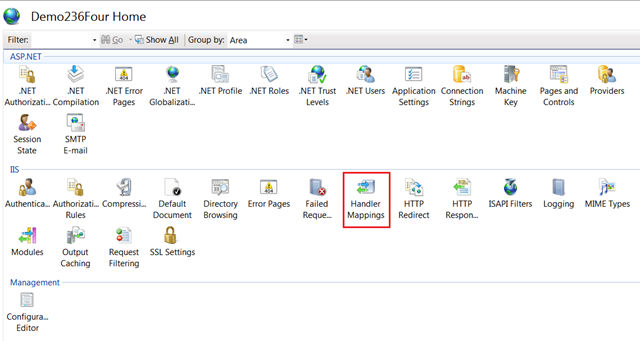
IIS was not configured to handle classic ASP for my site so I needed to fix this. To do so I need to create a mapping to tell IIS what module should respond to requests for an .asp extension. I went into the IIS management console for the EPiServer site and selected “Handler Mappings”.
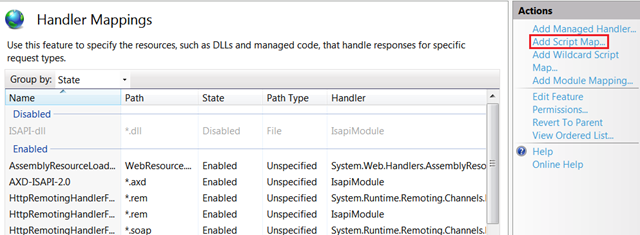
Once there I selected “Add Script Map…”
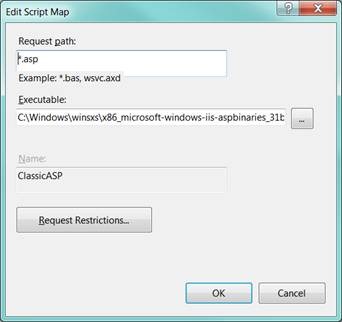
And filled in the form accordingly:
- Name – “ClassicASP” (could be anything)
- Request path - “*.asp”
- Executable – Path to asp.dll
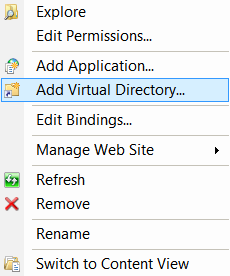
In the IIS management console I created a new virtual directory by right clicking on my site name and selected “Add Virtual Directory…”.
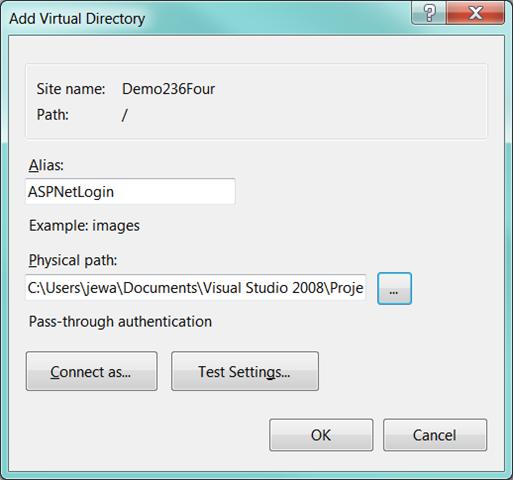
In my case I named this directory “ASPNETLogin” but of course it can be whatever you like. Just like a real world scenario my simple web applications live in a different location than my EPiServer site and of course I selected that location for my virtual directory path.
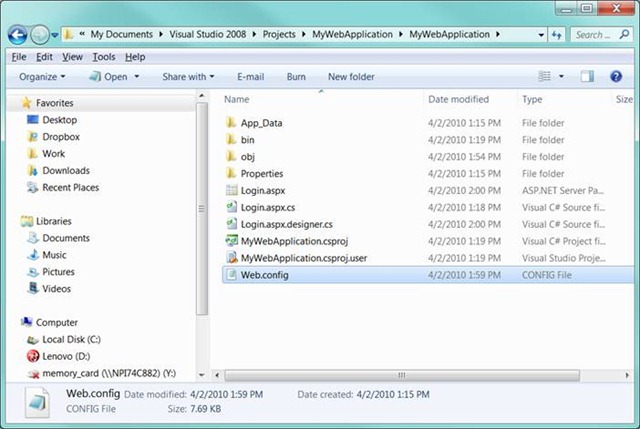
And like magic, a virtual directory appeared…
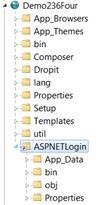
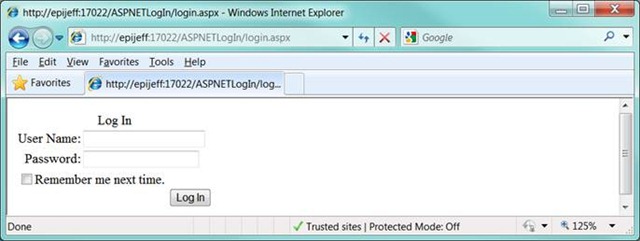
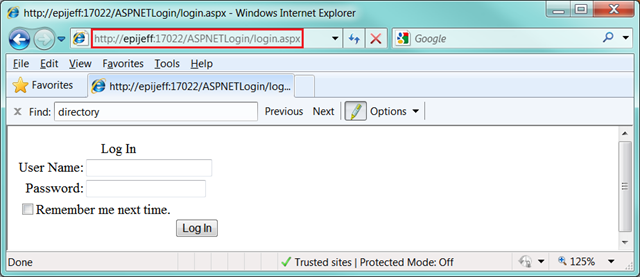
For test 1, I navigated to my login.aspx (ASP.NET) page and everything looked as expected.
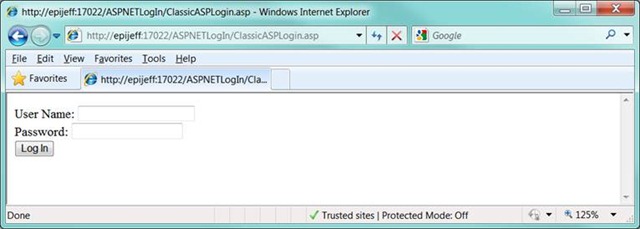
For test 2, I navigated to my classicasplogin.asp (classic ASP) page and everything looked as expected there as well.
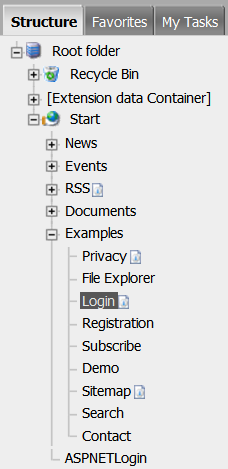
Since I drank a couple of extra cups of coffee I was so wound up on caffeine to be a real “go getter”. ;) I went a step further and created a page in EPiServer with the same name as my virtual directory “ASPNetLogin”.
Again, I waved an invisible magic wand and all was well when I loaded my EPiServer Page…
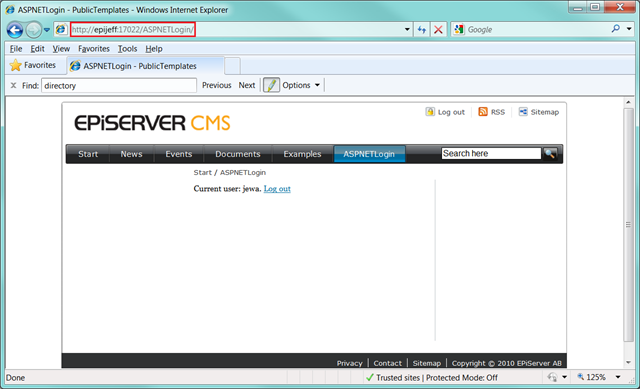
…and also with my ASP.NET and ASP pages (though I’m only going to post a screen shot of one of them). Note the path in the above and below screen shots.
As stated early on, nothing too exciting here, but I wanted to walk through these steps quickly for validation and post a short blog on it for reference. Plain and simple, as it should be. I tried to sneak in a couple of jokes to keep it more interesting, but alas my jokes weren’t too great either! I suppose it’s time for a double espresso…

Comments